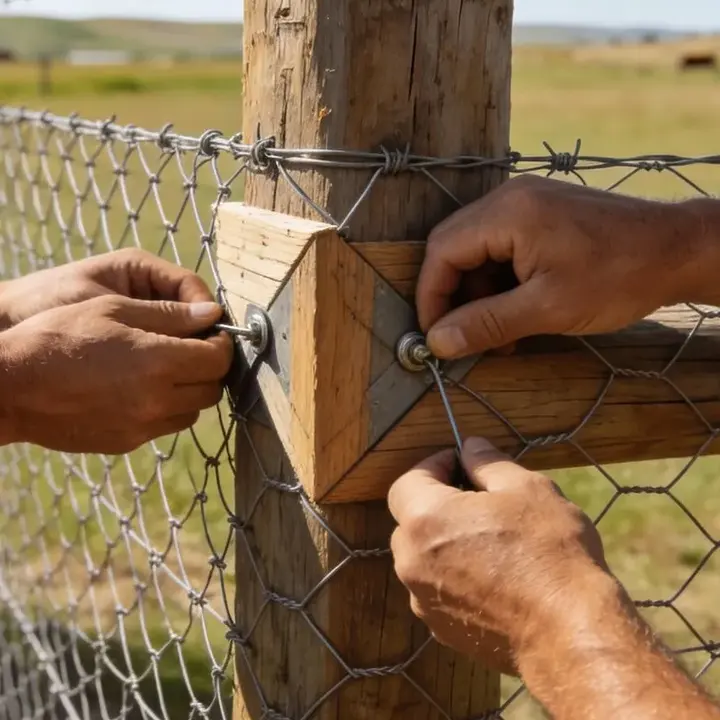
A verbal move of one gate can affect the route drawing, line length, post count, quotation and delivery. One dated change ID makes that chain visible without overwriting the earlier basis.
1. Freeze the current baseline
Start with the exact records the team believes are current. Use the project planner and measurement record to identify the route and quantity basis.
2. Describe the before and after states
| Affected item | Before / baseline value | Proposed new value | Reason and evidence | Source record |
|---|---|---|---|---|
| Route / boundary / section | ________ | ________ | ________ | Drawing / survey ______ |
| Gate / access / crossing | ________ | ________ | ________ | Sketch / photo ______ |
| Quantity / unit | ________ | ________ | ________ | Takeoff ______ |
| Product / specification | ________ | ________ | ________ | Data sheet / quote ______ |
| Packaging / delivery | ________ | ________ | ________ | PO / instruction ______ |
Use one unit system per value and name the exact source. If the new value is not yet known, record the question and owner instead of replacing the baseline with a guess.
3. Check every affected record
| Area | Affected? | Record to revise | Owner | Due / status |
|---|---|---|---|---|
| Route, survey or drawing | Yes / No / Check | ________ | ________ | ________ |
| Line length and material quantity | Yes / No / Check | ________ | ________ | ________ |
| Gate, brace or access plan | Yes / No / Check | ________ | ________ | ________ |
| Specification or product data | Yes / No / Check | ________ | ________ | ________ |
| Quotation, order or delivery | Yes / No / Check | ________ | ________ | ________ |
| Permit, utility or responsible reviewer | Yes / No / Check | ________ | ________ | ________ |
Record potential cost, schedule, safety or compliance effects as review flags. Do not use the log itself to decide those effects or who bears them.
4. Keep status, authority and dates separate
Use the status labels and authority route defined for the project. If no authority is documented, leave the decision field open and route the request; do not infer approval from silence, a meeting, a shipment or work observed on site.
5. Issue the revision and preserve acknowledgement
| Affected document / order | Old revision | New revision | Issued to | Sent date | Acknowledged / date |
|---|---|---|---|---|---|
| ________ | ________ | ________ | ________ | ________ | ________ |
| ________ | ________ | ________ | ________ | ________ | ________ |
| ________ | ________ | ________ | ________ | ________ | ________ |
Mark the former record “superseded” and retain its identifier. Never erase the earlier value or reuse a revision code for different content.
6. Close implementation with evidence
Questions project teams ask
What belongs in a fence project change log?
Use a unique change ID, date, requestor, exact baseline reference, before-and-after values, reason, impact flags, decision evidence, effective revision, distribution, implementation and closeout evidence.
Is this the same as a change order?
No. A contractual change order may alter scope, price, time or legal obligations and must follow the governing contract and authorized process. This page is a neutral tracking record and cannot create that authority.
Should rejected changes remain in the log?
Yes. Preserve the request, decision, date and reason so the same proposal is not mistaken for an open or approved instruction later.
What if a gate moves after materials are ordered?
Record the old and new gate reference, then flag the drawing, line length, post and brace quantities, hardware, quote or purchase order, delivery instruction and named reviewer for recheck.
When is a change closed?
Only when the project’s process says it is closed. A practical record distinguishes decision, issue, implementation and verification, and links the evidence for each stage.
Evidence and limits
FHWA project-management guidance calls for documented change procedures, roles, recordkeeping, and controls for scope, cost, schedule, risk and quality. An FHWA process review tracked reason, work items, documentation and approval timing, and found that missing dates prevented some changes from being traced end to end. These government construction sources support the record structure, but their federal highway approval rules do not govern a private fence purchase.
Supports documenting the change process and tracking affected scope, cost, schedule, risk and quality.
FHWA: Change Order Process Review Reason, documentation, dates and traceabilityShows why change reasons, work items, approval dates and supporting records must remain connected.
Acquisition.gov: FAR Subpart 43.2 Contract-change boundaryIllustrates that formal change authority and documentation are contract-specific; cited as a boundary, not as rules for farm projects.